Workflow4 min read
From video review to a clear handoff with Claude Cowork
A simple workflow for turning screenshots into structured editing feedback, organised attachments and clear follow-up tasks.
- Claude Cowork
- VLC
- Slack
- Linear
Reviewing a video is one thing. Explaining exactly what needs to change is another.
I was reviewing a set of edited videos before final delivery. At that point, the big decisions had already been made. I was looking for the smaller things an editor could still fix: a jump in the zoom, an unwanted sound, a rough transition or a slip of the tongue.
Instead of switching between the player and a feedback document, I tried something simpler: I made the screenshot the note.
The screenshot is the note
I watched the videos in VLC and paused whenever I found something. With the player controls visible, I took a screenshot and immediately renamed the file with my feedback. Something as informal as “zoom suddenly jumps” or “could we cut out this stumble, but no must”.
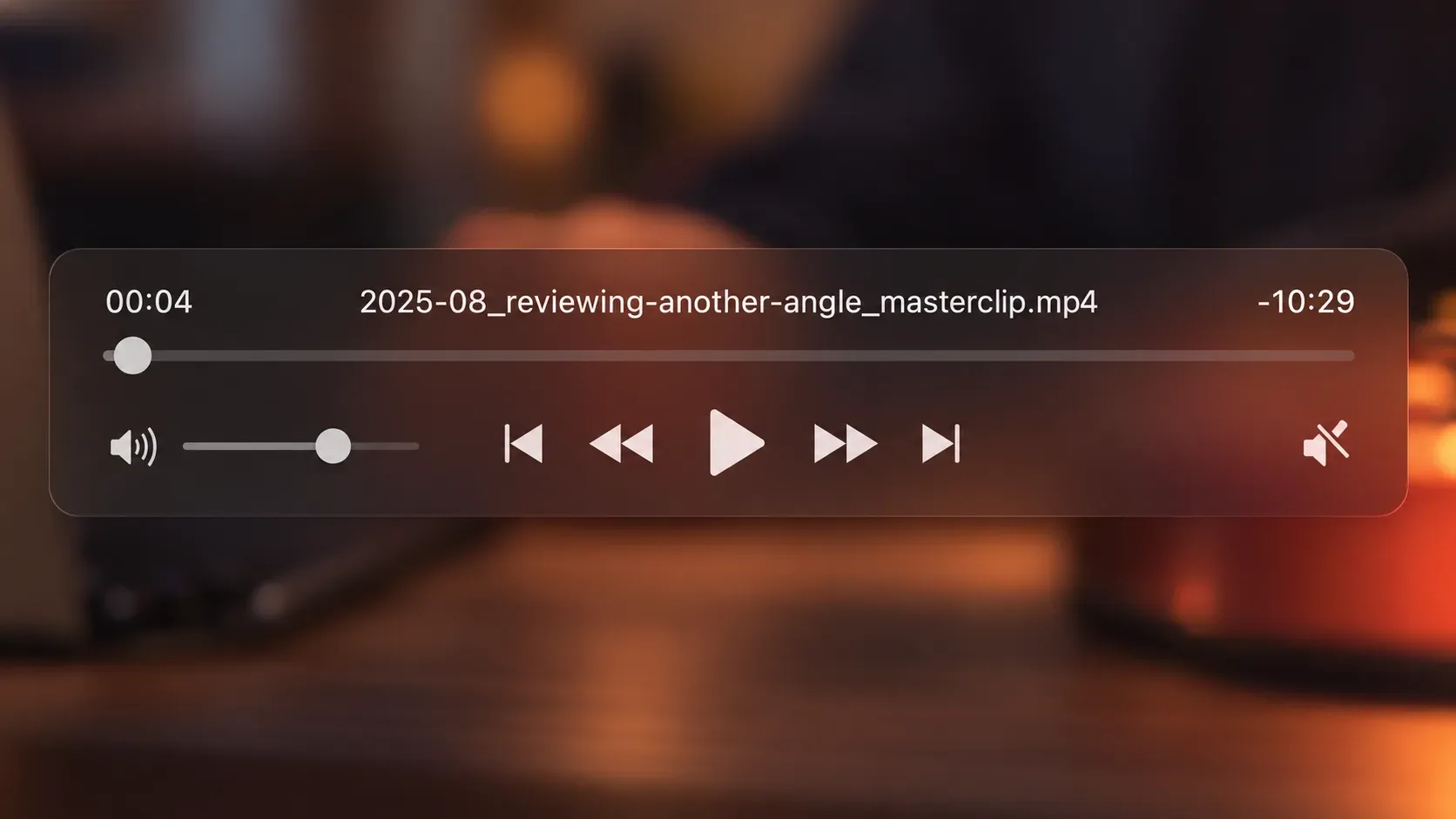
The screenshot already contained the video filename, the current timecode and the image on screen. The filename contained my comment. Together, those four pieces gave me enough context to work with later, without typing timecodes into a separate document.
By the end of the review I had 26 screenshots. Some additional feedback came from a colleague as plain text.
The process at a glance
- 01Watch and pauseReview the video and spot what needs work.
- 02Capture feedbackTake screenshots and name them with notes.
- 03Connect the contextClaude combines screenshots and written feedback.
- 04Make the handoffPrepare the message, attachments and follow-up tasks.
From screenshots to a handoff
I gave Claude Cowork access to the screenshots, the written feedback and the relevant context from a Slack conversation. I also explained which audio and B-roll still needed to be provided.
The instruction was deliberately simple: read the feedback from the filenames, find the video and timecode in each screenshot, and bring everything together.
Claude resized the large screenshots to inspect their content and cropped the VLC controls at full resolution so the filenames and timecodes were easier to read. It combined those details with my notes and the other review feedback, then organised everything into a handoff:
- General editing notes first.
- Feedback grouped by video and ordered by timecode.
- Videos without comments marked as checked.
- A separate list of the material our team still needed to deliver.
The result was a Slack-ready message for the editor. A short note like “add circles here” became a specific instruction tied to the right visual, video and moment.
One review, several outputs
The message was only one part of the handoff. I also asked Claude to rename the screenshots using a consistent pattern:
Video 03 - 06.18 - Add markings to table.pngWith a leading zero in the video number, the attachments sort naturally by video and timecode. The editor can see what each image refers to before opening it.
Claude then created Linear issues for the audio and B-roll our team still needed to supply. It also added the results to the existing review tasks and marked those tasks as done. A few follow-up messages were enough to adjust the issue language, due date and priority.
Keep the uncertainty visible
Not everything was perfectly clear. One written note referred to 00:37 while a screenshot showed 00:38. Another filename could be read in two different ways. Claude surfaced the discrepancy and stated its interpretation instead of silently presenting either as certain.
That mattered as much as the formatting. A tidy handoff is only useful if the person receiving it can trust what each note means. Ambiguous points still need a human check.
Another way to review: Frame.io
A dedicated review tool like Frame.io is another way to handle this. It lets people leave comments on a specific frame or time range and add visual annotations directly to the video. For a team reviewing in one shared place, that can make the screenshot step unnecessary.
This review started with local video files, screenshots and notes from different places. Claude helped bring those existing inputs together and turn them into a message, organised attachments and follow-up tasks. The two approaches can also complement each other: a review tool can be the place to collect feedback, while AI can help prepare the handoff around it.