Fork2 min read
VoiceInk fork: Whisper API with a live preview
A personal fork of the open-source macOS dictation app VoiceInk, with OpenAI Whisper, a cost overview for cloud models and an overlay that appears right where I'm typing.
- Swift
- macOS
- Whisper
- Vibe coding
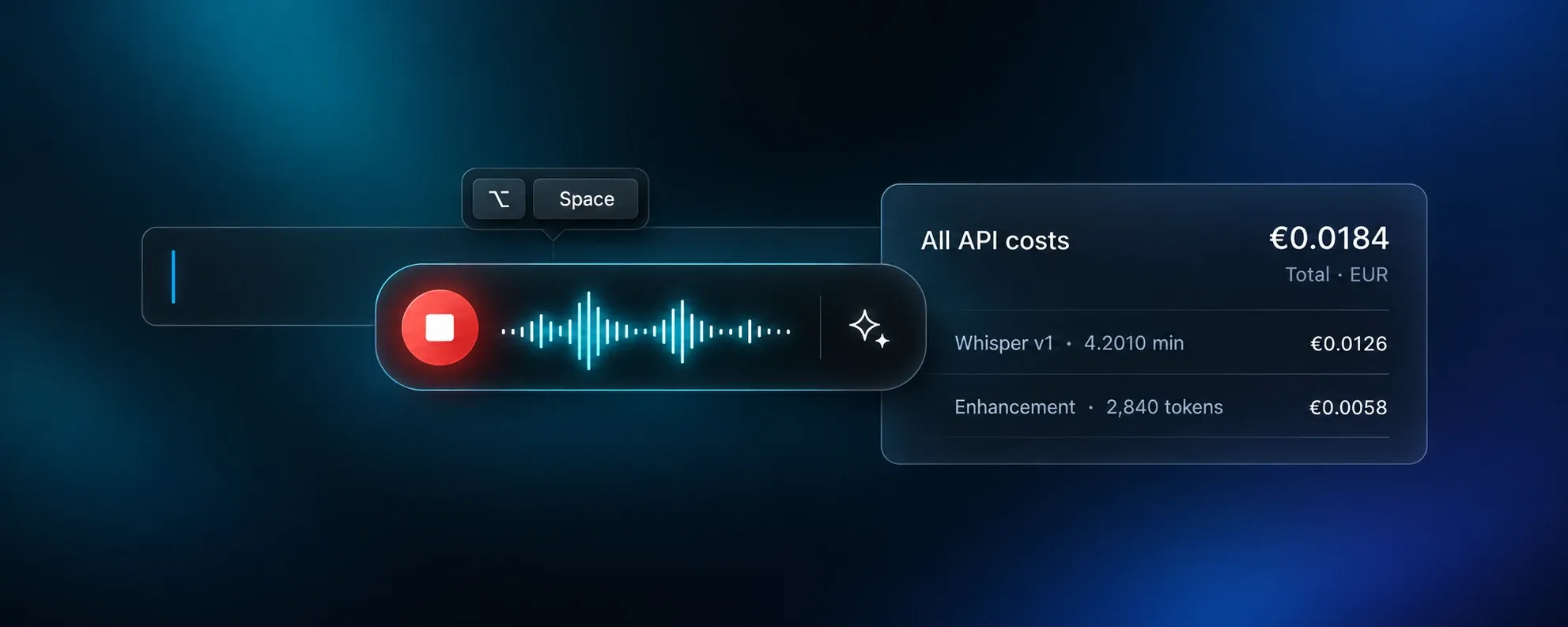
VoiceInk is a fast, open-source dictation app for macOS that runs speech models locally. In daily use, a few functions were missing. Above all: transcription through OpenAI’s Whisper API instead of local models only, without losing the live preview of the text while speaking.
Because the code is open, those functions could be built right into the app. That’s what this fork is.
What the fork adds
Whisper via API, with a local live preview
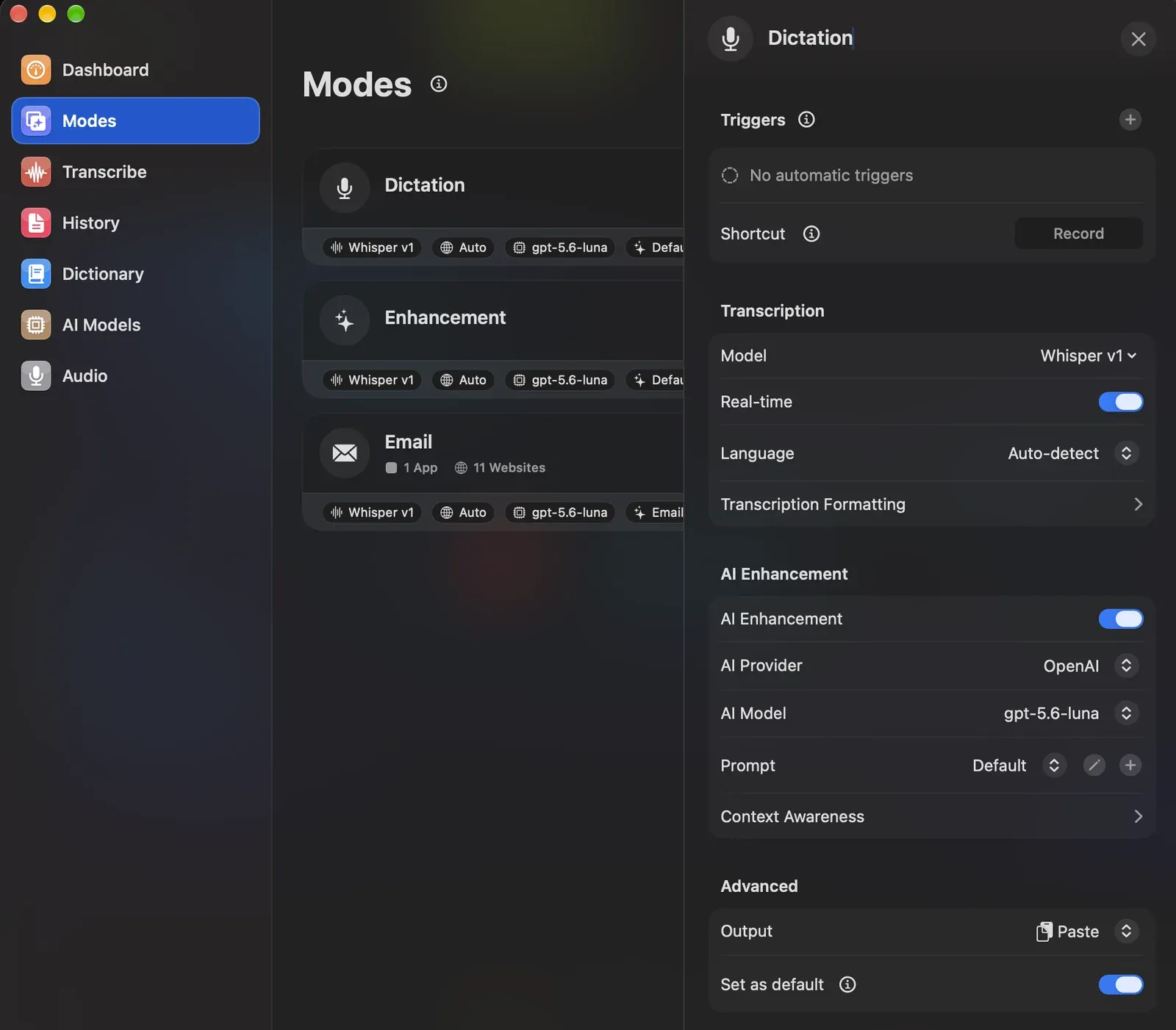
While speaking, a local model (Parakeet) writes the preview in real time. When the recording stops, OpenAI’s Whisper API delivers the final, more accurate transcript. Each mode can use it, together with AI enhancement.
A cost overview
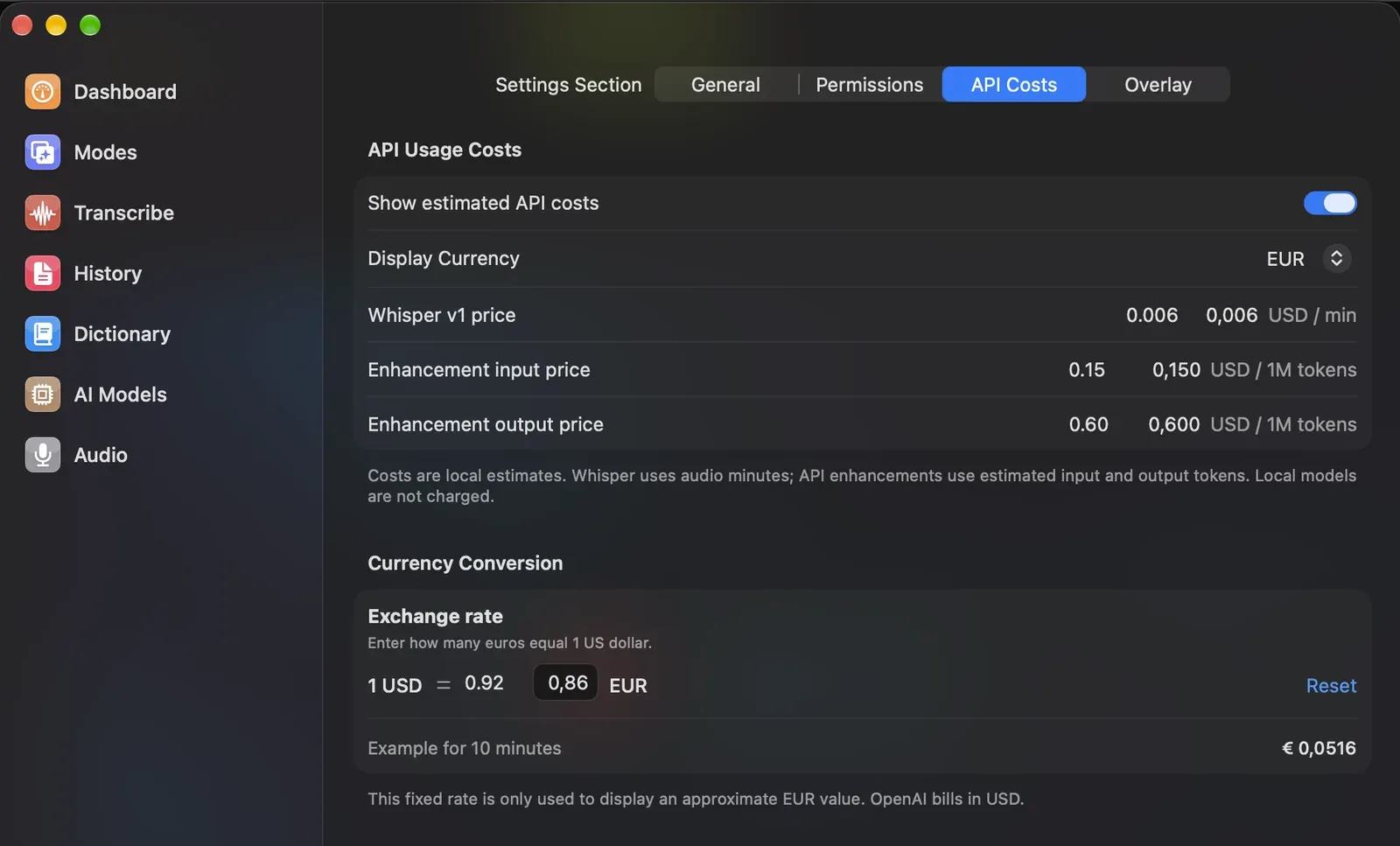
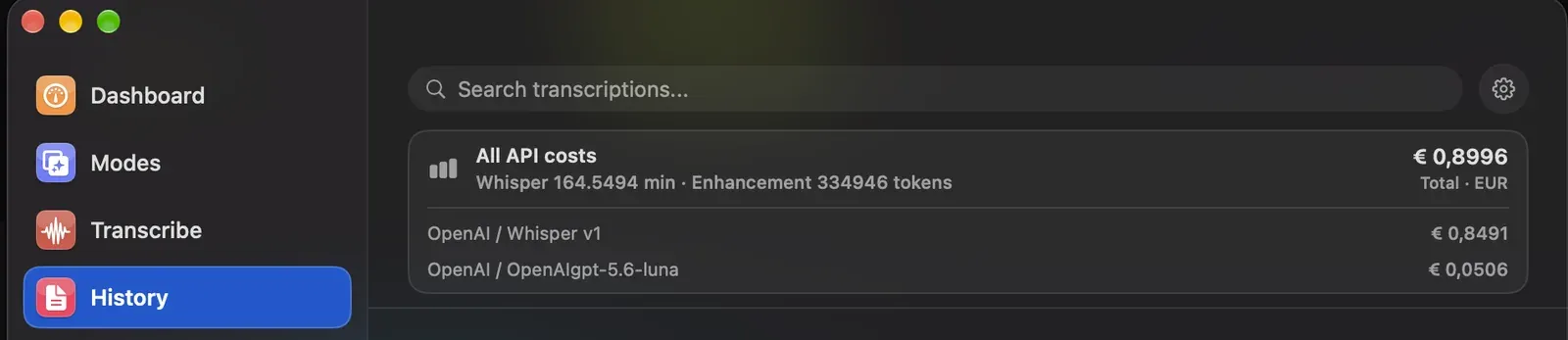
Cloud models cost money, even if it’s tiny amounts. Every recording now shows an estimated cost for transcription and AI enhancement, and the history adds it all up. Prices and the USD/EUR rate are editable, because provider pricing changes. Local models stay free.
Permissions at a glance
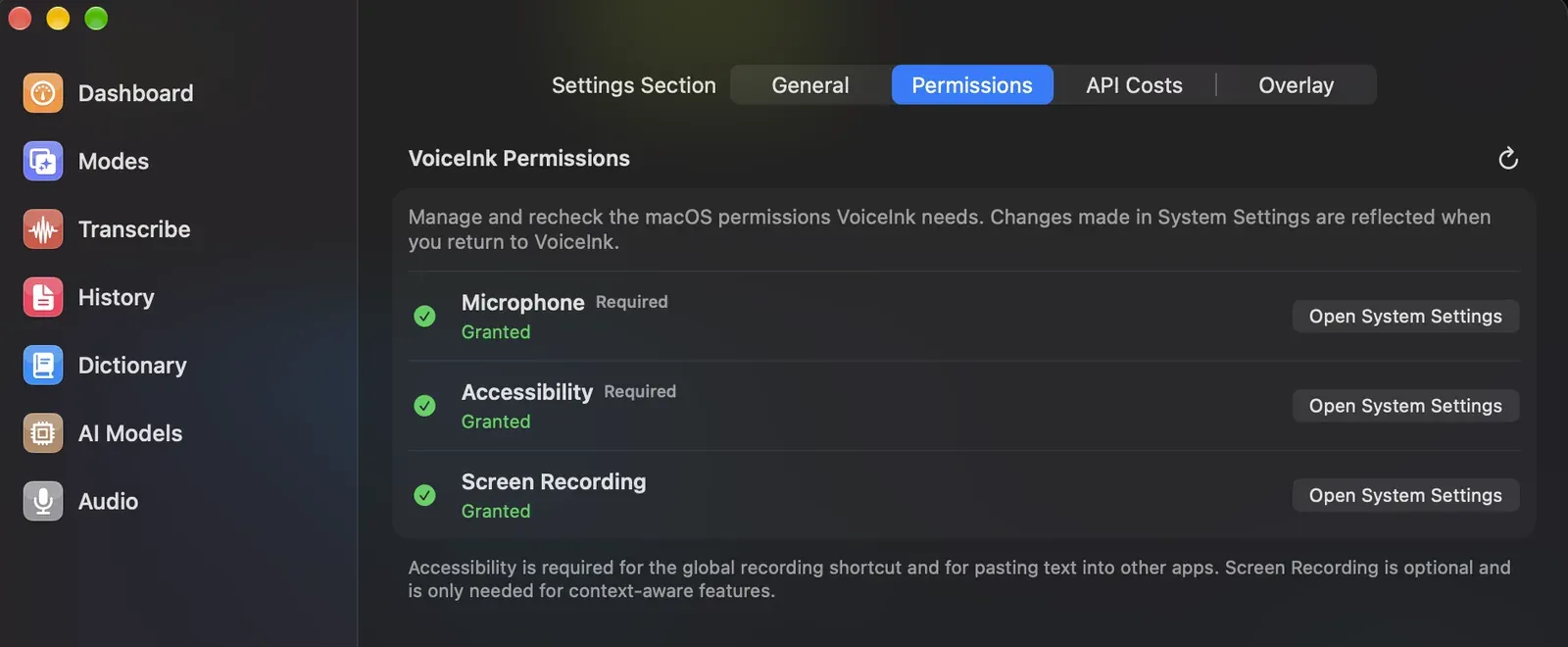
A settings tab shows the status of every macOS permission VoiceInk needs (microphone, accessibility, screen recording) and opens the right place in System Settings with one click.
More small things
- The overlay at the text field. Optionally, the recording indicator appears right next to the active text field instead of somewhere at the edge of the screen.
- Insights from day one. The dashboard shows its statistics right away instead of waiting for enough data.
Staying close to the original
I think the most important decision was a boring one: keep everything compatible with the original. My changes live in their own folder, behind clear switches, and every change to an original file is documented. That way I can keep pulling in updates from the main project without my features breaking.
What I learned
A fork is a good way to learn a codebase you’d never write from scratch. I don’t write Swift for a living. With AI as a pair programmer, I could still find my way around a real, production-grade macOS app, and change it carefully instead of hacking it.
Next entry
AI Usage: my Claude and Codex limits in the menu bar